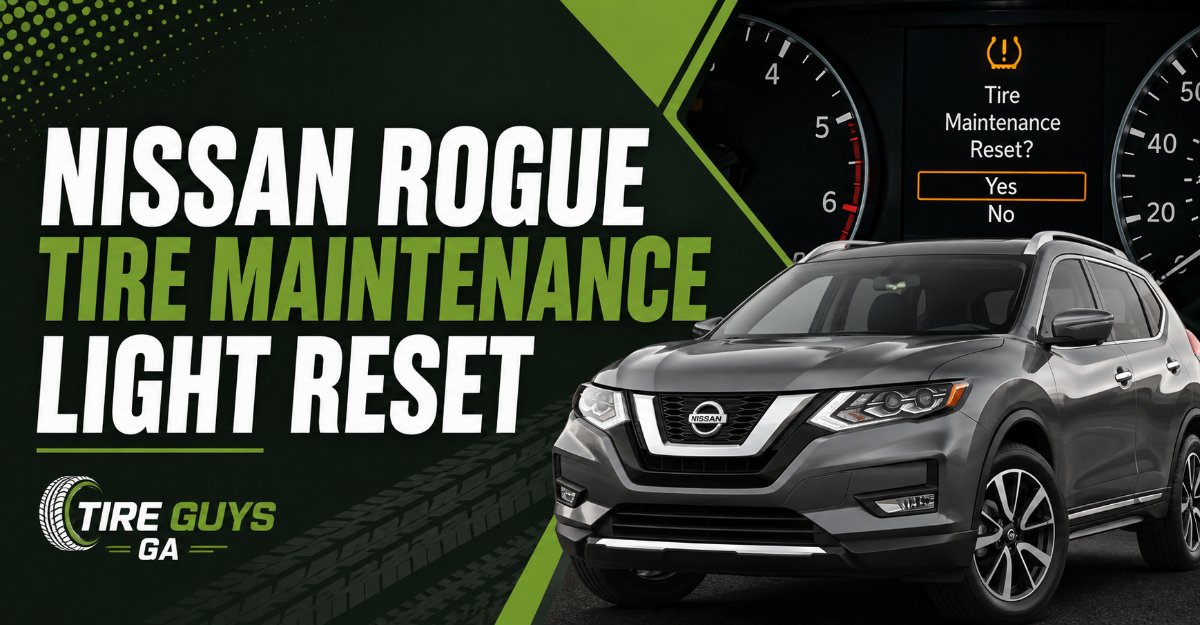
The nissan rogue tire maintenance light reset requires navigating your dashboard settings to clear a pre-programmed mileage countdown. To reset it, turn the ignition to the ON position without starting the engine, use your steering wheel controls to open the Settings menu, select Maintenance, choose Tire, and press the Reset button.
Key Facts / At a Glance
- The tire maintenance system is a simple mileage countdown timer and is completely separate from the TPMS low pressure warning.
- A standard manual reset takes under 60 seconds and requires zero automotive tools.
- Nissan recommends setting the new tire rotation interval between 5,000 and 7,500 miles.
- Attempting a reset while driving will fail because the vehicle locks the menu for driver safety.
- Having a dealership reset the light outside of a standard service package can cost 20 to 50 dollars.
- Setting the interval distance to zero will completely disable future rotation reminders.
What is the Nissan Rogue tire maintenance light?
The tire maintenance light is a customizable digital reminder designed to prompt you for scheduled tire rotations. It triggers a dashboard message on the Advanced Drive-Assist Display when your vehicle reaches a user-defined mileage threshold. Unlike diagnostic warning lights, it does not measure actual air pressure, and it cannot detect physical tread wear or alignment issues.
How does the maintenance reminder differ from the TPMS light?
The maintenance reminder operates strictly on a distance countdown, whereas the Tire Pressure Monitoring System uses physical sensors inside the wheels to measure air pressure. A yellow exclamation point inside a horseshoe indicates low tire pressure, while a text popup saying “Maintenance: Tire” simply means your mileage interval has expired. Resetting the maintenance screen will never fix a low pressure warning, and filling your tires with air will never turn off the maintenance reminder.
TruckX
Before You Start
Resetting this system is incredibly straightforward, but preparing your vehicle correctly prevents the most common software lockouts.
- Total Time: 1 to 2 minutes.
- Difficulty: Beginner.
- Cost: 0 dollars.
- Tools Required: None.
- Prerequisites: Park the vehicle on a level surface. Engage the parking brake. Ensure all doors are closed to prevent “Door Ajar” screens from overriding the settings menu.
How to reset the 3rd Generation Nissan Rogue (2021 to 2026)
Resetting the newest Rogue models requires using the left side steering wheel controls to navigate the digital cluster. This generation features either a 7-inch Advanced Drive-Assist Display on base trims or a 12.3-inch full digital dashboard on Platinum models, but the software logic remains identical.
Step 1: Power the accessory mode Turn the ignition to the ON position. Do this by pressing the push-button start twice without placing your foot on the brake pedal. You will know it worked when the dashboard illuminates but the engine remains silent. Failing to keep your foot off the brake will start the engine and lock you out of the reset menu.
Step 2: Navigate to the Settings menu Use the left and right arrow buttons on the left side of your steering wheel to scroll horizontally through the main gauge display menus. Stop when you reach the Settings menu, which is represented by a gear icon.
Step 3: Access the Maintenance submenu Use the textured scroll wheel located between the arrow buttons to scroll down vertically. Highlight the word Maintenance and press the scroll wheel inward to select it.
Step 4: Execute the tire reset Inside the Maintenance menu, highlight the word Tire and press the scroll wheel to click it. Scroll down to the Reset option and click it. The screen will prompt you to confirm. Select Yes. You will know it worked when the mileage tracker drops back to zero miles.
How to reset the 2nd Generation Nissan Rogue (2014 to 2020)
The second generation uses a physical square menu button on the steering wheel communicating with a smaller central screen located between analog gauges.
Step 1: Activate the ignition Press the start button twice without touching the brake pedal. If your specific model has a traditional physical key, turn it two clicks forward to the ON position without cranking the starter motor.
Step 2: Locate the Settings menu Press the square Menu button on the left side of the steering wheel repeatedly. This cycles through your audio, fuel economy, and trip screens until the Settings menu appears.
Step 3: Access the Maintenance category Use the physical up and down arrows on the steering wheel to highlight the word Maintenance. Press the ENTER button to confirm your selection.
Step 4: Reset the tire parameter Highlight the Tire option and press ENTER. Scroll down to highlight Reset and press ENTER again. The system will reset the accumulated mileage instantly. A common mistake here is accidentally selecting the Oil Filter submenu, so verify you are in the correct category before pressing enter.
How to reset the 1st Generation Nissan Rogue (2008 to 2013)
Older models do not use steering wheel buttons for dashboard navigation. Instead, they rely on a plastic trip computer stem protruding directly from the clear plastic on the gauge cluster.
Step 1: Turn the key to ON Insert your key into the ignition and turn it to the ON position. Ensure the engine remains off.
Step 2: Enter the maintenance menu Press and hold the plastic trip computer knob for approximately three to five seconds. Release the knob when the maintenance menu appears on the small orange LCD screen.
Step 3: Select the tire category Rotate the physical knob clockwise or counterclockwise to scroll through the options. Highlight either Tire or Maintenance, depending on your specific trim level year, and press the knob inward to select it.
Step 4: Clear the mileage Rotate the knob to highlight Reset. Press the knob down firmly to clear the mileage. You will know it worked when the digital numbers revert to zero.
What are the recommended mileage intervals?
Nissan specifies a rotation interval of 5,000 to 7,500 miles under normal driving conditions. Setting the computer to this exact range ensures you maximize tread life and maintain proper vehicle handling. Setting the interval too high will cause you to miss crucial tire rotation windows, leading to premature uneven wear.
The table below breaks down the different ways you can approach this maintenance setting.
| Maintenance Setting Strategy | Best Used For | Primary Advantage | Major Drawback |
|---|---|---|---|
| 5,000 Mile Interval | City drivers and AWD models. | Maximizes tire lifespan by preventing cupping and shoulder wear. | Requires frequent manual resets and more garage visits. |
| 7,500 Mile Interval | Highway commuters and synthetic oil users. | Aligns perfectly with standard full synthetic oil change schedules. | Tires may develop slight wear patterns before the rotation occurs. |
| Zero or OFF Setting | Fleet vehicles tracked via external software. | Stops dashboard popups entirely for drivers who hate digital nagging. | Leaves the driver completely blind to required maintenance windows. |
Common Mistakes and How to Fix Them
Automotive software requires exact inputs to function. When the reset process fails, it is almost always due to a procedural sequencing error.
Mistake 1: The reset option is grayed out The vehicle locks the maintenance menu when the engine is running or the transmission is shifted out of park. This safety lockout prevents distracted driving. To fix this, park the vehicle, shut off the engine completely, and press the start button twice without touching the brake pedal to enter accessory mode.
Mistake 2: The light returns immediately after starting the car You likely cleared a different maintenance reminder instead of the tire sub-menu. Nissan separates the oil, filter, and tire reminders into distinct categories. Go back into the settings menu and verify that you actually clicked into the Tire section, rather than simply resetting the master oil interval.
Mistake 3: The screen freezes during the reset process Occasionally, the infotainment module experiences a logic loop and freezes. To fix a frozen dashboard screen, turn the vehicle off, open the hood, and disconnect the negative car battery terminal using a 10 millimeter wrench. Leave it disconnected for 10 minutes to force a hard reset of the accessory computer modules, then reconnect it and try again.
Mistake 4: Resetting the system without performing physical maintenance Clearing the light without performing the physical tire rotation leads to uneven tread wear. The system relies entirely on your honesty. If you reset the light but leave the tires in their current positions, the front tires will wear out significantly faster than the rears.
Expert Insights for Rogue Owners
As a practitioner who regularly evaluates automotive maintenance workflows, I see owners struggle with dashboard digital management constantly.
First, mechanics at independent oil change shops frequently forget to reset Nissan specific dash menus. They are focused on the oil filter and often ignore the tire submenu. Always double check your dashboard screen before leaving the shop lot. If the light is still on, use the quick manual steps outlined above to clear it yourself before driving away.
Second, the best strategy is to synchronize your tire interval with your oil change interval. If you run full synthetic oil designed for 7,500 miles, set your tire maintenance distance to exactly 7,500 miles. This ensures you only have to visit the service bay once for both procedures.
Finally, recognize the limitations of this system. It is simply an alarm clock. It will not tell you if a tire is bald, if a sidewall is bubbling, or if your alignment is pulling to the right. Relying solely on the dashboard light without visually inspecting your tires every few weeks is a dangerous practice.
Frequently Asked Questions
Can I reset the tire maintenance light while driving?
No. Nissan programs the Advanced Drive-Assist Display to lock out deep menu settings whenever the vehicle is in motion. You must be parked with the transmission in Park to access the reset functionality.
Does disconnecting the battery reset the maintenance light?
Disconnecting the battery will power cycle the dashboard screen, but it will not erase the stored mileage data for your maintenance intervals. The vehicle stores this information in non-volatile memory, meaning you must perform the manual reset procedure using the steering wheel buttons.
Will an OBD2 scanner reset the Nissan tire maintenance screen?
While an advanced bidirectional OBD2 scanner can access the dashboard control module, it is massive overkill for this procedure. A manual reset via the steering wheel takes under a minute and requires no diagnostic tools.
What happens if I set the tire maintenance distance to zero?
If you scroll the distance interval down to zero miles or select the OFF option, the system will disable the warning entirely. You will no longer receive automated rotation reminders, leaving you responsible for tracking your own tire maintenance schedule.
How much does a dealership charge to reset this light?
If performed during a scheduled tire rotation or oil change, dealerships reset the light for free as part of the service package. If you ask a technician to clear the light as a standalone request, some service centers may charge a minimum labor fee ranging from 20 to 50 dollars.
The nissan rogue tire maintenance light reset is a simple procedure that empowers owners to manage their own service schedules. By following the steps for your specific generation, you can clear dashboard clutter and keep your vehicle operating safely.