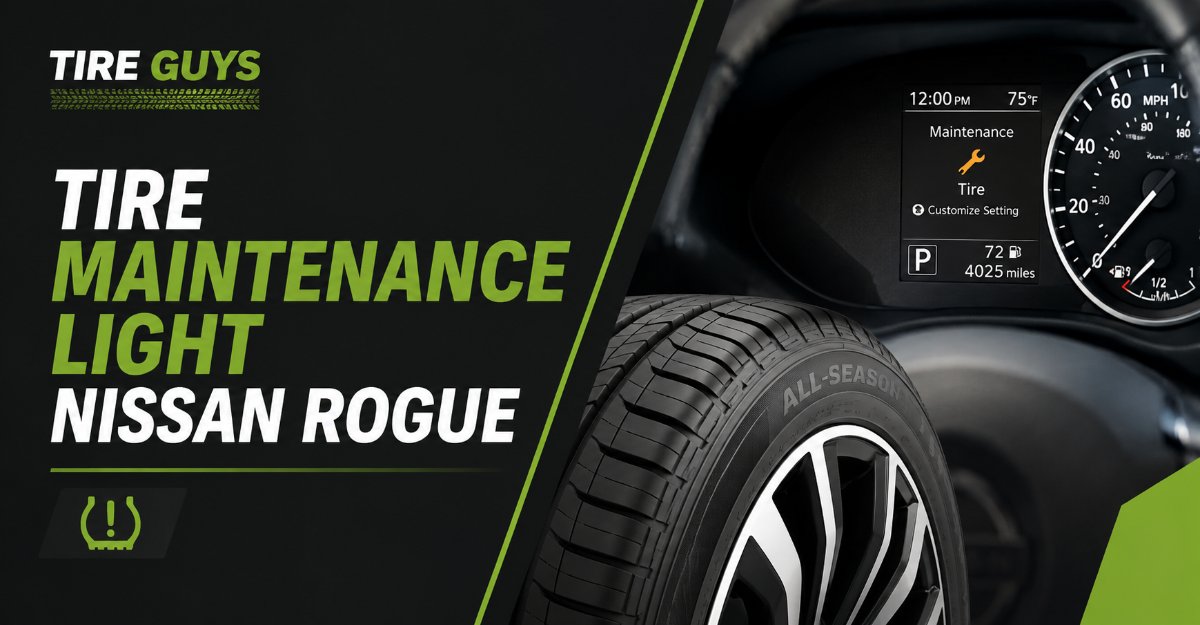
The “Tire Maintenance” light on a Nissan Rogue is a mileage-based reminder to rotate your tires, not a mechanical warning about low tire pressure. You must manually clear this notification through the digital dashboard settings menu after completing your service. It will not turn off automatically by driving or adding air to the tires.
Key Facts: At a Glance
- Trigger: A pre-set mileage counter (usually 5,000 miles) reached its limit.
- Action Required: Schedule a tire rotation and manually reset the digital counter to zero.
- Urgency: Low. You can safely drive for several weeks before rotating the tires.
- Cost: Tire rotations typically cost $20 to $50, or they are free if bundled with an oil change.
- Key Distinction: The yellow horseshoe icon with an exclamation point is the actual low-pressure warning, which requires immediate attention.
How Do I Tell the Difference Between Maintenance and TPMS Lights?
The most dangerous mistake Nissan Rogue owners make is confusing a routine maintenance prompt with an active tire emergency. The tire maintenance notification is a helpful digital sticky note, while the Tire Pressure Monitoring System (TPMS) alert is a critical safety hazard warning.
| Feature | Tire Maintenance Message | TPMS Warning Light (Horseshoe) |
| Visual Design | Text block on the center screen, often under a “Maintenance” header. | Yellow icon shaped like a horseshoe or flat tire with an “!” inside. |
| System Trigger | Distance driven. The car simply counted the miles since the last reset. | Physical sensor. A tire’s internal PSI dropped 25 percent below the safe limit. |
| Required Action | Rotate tires front-to-back or crosswise to ensure even tread wear. | Stop the vehicle and add air to the underinflated tire immediately. |
| Reset Method | You must use the steering wheel buttons to manually reset the digital counter. | Turns off automatically after inflating tires and driving above 16 mph for a few minutes. |
Before You Start Your Reset
- Time required: 2 minutes.
- Difficulty: Beginner.
- Tools needed: None.
- Prerequisite: Only perform this reset if you have actually rotated your tires, or if you are deliberately extending the interval. Resetting the light without performing the maintenance ruins your tracking.
How to Reset the Light on Newer Models (2017 to 2026)
Resetting the notification requires navigating the vehicle information display located directly between your speedometer and tachometer.
Step 1: Turn the Ignition On
Press the start button twice without putting your foot on the brake pedal. This places the Rogue in “Accessory” mode. The engine should remain off, but the dashboard screens will fully illuminate.
Step 2: Access the Settings Menu
Look at the left side of your steering wheel. Use the left and right arrow buttons (< >) to scroll horizontally through the top menu bar on your dashboard screen. Stop when you highlight the gear icon, which represents the Settings menu.
Step 3: Navigate to Maintenance
Use the vertical scroll wheel (or up/down arrows) to scroll down the list until “Maintenance” is highlighted. Press the “OK” button (or push the scroll wheel inward) to enter the menu.
Step 4: Select the Tire Sub-Menu
Scroll down to the “Tire” option and press “OK”. You will see a screen displaying the current mileage counted alongside the total interval limit.
Step 5: Execute the Reset
Scroll to “Reset” and press “OK”. A confirmation screen will appear. Select “Yes” and press “OK” again. The current distance will revert to zero.
You’ll know it worked when: The current mileage reads “0” and the alert immediately disappears from the main information screen.
Common Mistake at this Step: Many drivers highlight “Reset” and press the button, but fail to confirm the action on the secondary prompt. If the mileage does not change to zero, the light will remain on when you start the engine.
How to Reset the Light on Older Models (2013 to 2016)
Older Nissan Rogue generations use a slightly different interface relying on physical dashboard buttons rather than steering wheel controls.
- Ignition On: Turn the physical key to the “On” position, stopping just short of cranking the engine.
- Locate the Settings Button: Find the square button or knob protruding from the dashboard cluster, typically located to the left or right of the speedometer.
- Navigate to Maintenance: Press the button repeatedly (or rotate the knob) to cycle through the menu screens until you reach “Settings”, then select “Maintenance”.
- Select Tire: Highlight the “Tire” option and press the button to enter.
- Clear the Distance: Select “Reset” to clear the accrued mileage back to zero.
What is the Best Maintenance Interval for My Rogue?
Your ideal interval depends entirely on your driving habits and your specific vehicle configuration. Nissan allows you to manually adjust the threshold in the same menu where you reset the light.
The AWD Rogue Owner (Strict 5,000 Miles)
All-Wheel Drive Rogues demand precise tire management. The AWD transfer case relies on all four tires having nearly identical circumferences. If you skip rotations, the front tires will wear down much faster than the rears. This size discrepancy forces the AWD system to work constantly to compensate for the different rotational speeds, which can overheat and destroy the transfer case over time. Set your reminder strictly to 5,000 miles.
The City Commuter (5,000 Miles)
Frequent stop-and-go traffic, aggressive braking, and sharp cornering in parking garages scrub the rubber off the edges of your front tires. City drivers should maintain a 5,000-mile interval to move these worn front tires to the rear, allowing them to flatten back out.
The Highway Cruiser (7,500 Miles)
Drivers who spend the majority of their time driving in straight lines on the interstate experience much more even tread wear. Heat buildup is the primary enemy here, but the lack of sharp turning preserves the tire shoulders. You can safely extend your digital interval to 7,500 miles to align with your synthetic oil changes.
Common Mistakes and How to Fix Them
If your dashboard is still displaying warnings after you have attempted a reset, one of these common failure modes is likely the culprit.
The “Other” Menu Trap
Mechanics frequently utilize a secondary menu labeled “Other” within the Maintenance settings to track random services, like cabin air filters or brake fluid flushes. If your dashboard flashes a generic maintenance warning and the “Tire” menu shows zero miles, back out and check the “Other” or “Oil and Filter” menus. The alert is likely stemming from a different completed interval.
Setting the Interval to Zero
While in the settings, it is possible to change the actual alert interval to “0 miles”. Doing this effectively disables the reminder system, meaning the light will never turn on again. Ensure your interval is set to a positive number (like 5,000 or 7,500) after you perform the reset.
Ignoring an Actual TPMS Fault
If you reset the maintenance light but a yellow horseshoe icon remains illuminated, you have a physical pressure issue. Check your tire pressures with a manual gauge. If the pressures are correct but the TPMS light flashes for 60 seconds upon starting the car and then stays solid, one of your internal wheel sensors has died and requires professional replacement.
How Does the Nissan Easy-Fill Tire Alert Work?
If you determine that your issue is actually low tire pressure (the TPMS light) rather than a maintenance reminder, your Nissan Rogue is equipped with a unique system to help you fix it without a pressure gauge.
When you add air to an under-inflated tire on a modern Rogue, the vehicle’s hazard lights will begin flashing to indicate the sensor is reading the incoming air. Continue filling the tire. Once the exact recommended factory cold pressure is reached, the Rogue’s horn will beep exactly one time. Stop adding air immediately. If you over-inflate the tire by more than 4 PSI, the horn will beep three times and the hazard lights will flash rapidly. To correct this, press the valve stem core to release air until the horn beeps once again.
After filling the tires to the correct pressure using this method, driving the vehicle at speeds above 16 mph will automatically clear the TPMS warning light.
FAQ
Can I turn off the tire maintenance light permanently?
Yes. You can disable the notification entirely by navigating to Settings > Maintenance > Tire, and changing the alert interval distance to 0 miles. However, doing so places the burden of tracking tire rotations entirely on you.
Will disconnecting the battery clear the maintenance light?
No. Disconnecting the battery will not reset the digital mileage counter. The distance data is stored in the vehicle’s non-volatile memory and must be manually cleared using the steering wheel interface.
Why did my tire light come on immediately after getting new tires?
If it is the text-based maintenance light, the mechanic forgot to reset the dashboard counter after installing the tires. If it is the yellow horseshoe TPMS light, the shop may have damaged a sensor during installation, or they failed to properly reprogram the new sensors to the vehicle’s computer.
How much does a tire rotation actually cost?
A standalone tire rotation usually costs between $20 and $50. However, if you purchased your tires from large chain retailers like Discount Tire or Costco, lifetime rotations are typically included for free. Dealerships also frequently bundle tire rotations for free with standard oil change services.
What happens if I never rotate my Nissan Rogue tires?
If you drive a Front-Wheel Drive model, your front tires will wear out completely while your rear tires remain in good condition, forcing you to buy tires in pairs. If you drive an All-Wheel Drive model, uneven wear can severely damage the transfer case and void your powertrain warranty due to the differing rotational speeds between the front and rear axles.